

Option A
Wi-Fi
The long-range, high-bandwidth workhorse of home connectivity.
Best for: Streaming video, browsing the web, and connecting devices across an entire home.
Option B
Bluetooth & NFC
Short-range specialists built for device-to-device convenience.
Best for: Bluetooth suits audio and peripheral connections; NFC handles instant, tap-to-exchange interactions.
Three Signals, Three Jobs
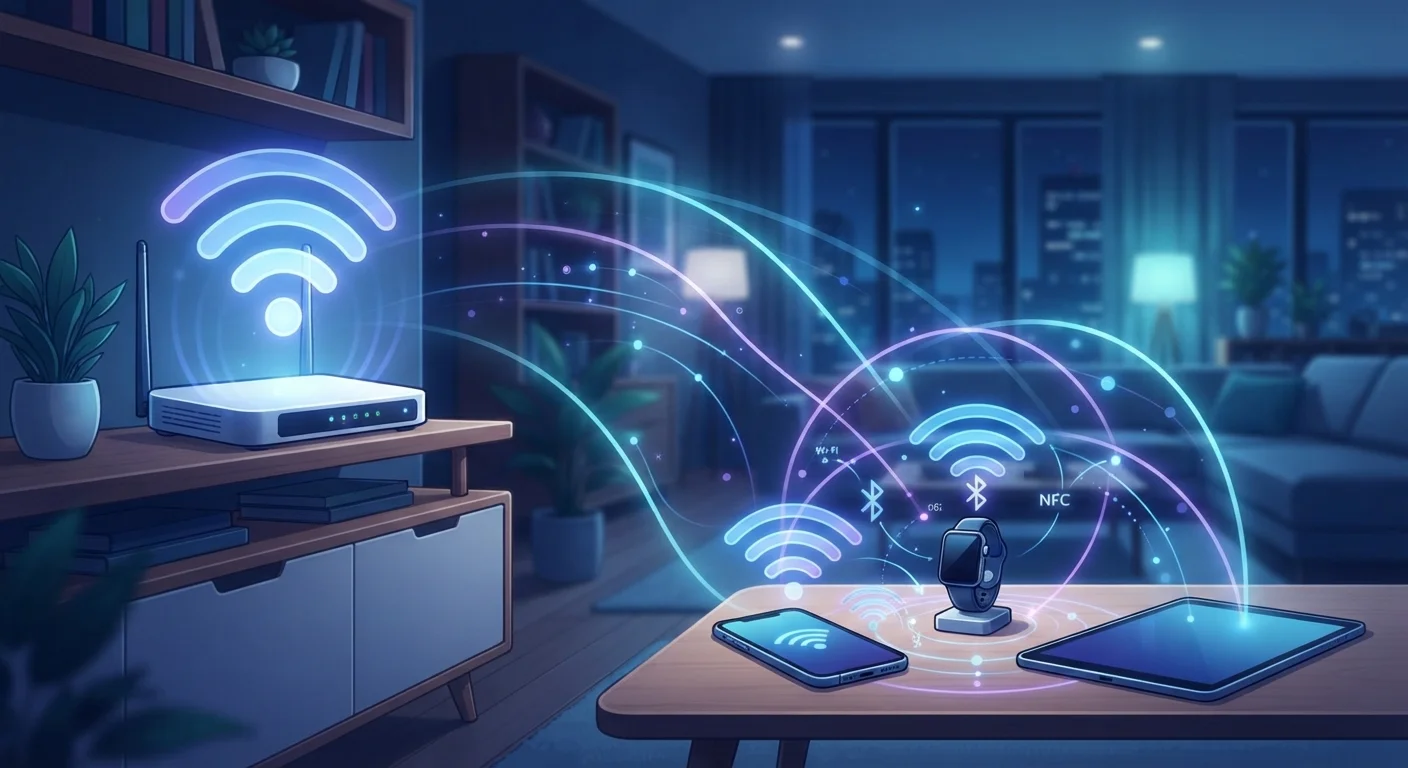
Your home is threaded with invisible radio signals doing quiet, constant work. When you stream a show, it travels over Wi-Fi. When you switch to your wireless earbuds, Bluetooth takes over. When you tap your phone at the checkout or unlock a door with a key fob, that's NFC. These three technologies are not competing versions of the same idea — they're built around fundamentally different trade-offs between range, speed, and power consumption.
Modern smartphones carry all three radios simultaneously, switching between them based on the task at hand. Understanding what each technology actually does — and why it can't simply be replaced by one of the others — makes you a more informed user of every gadget in your home.
| Criterion | Wi-Fi | Bluetooth / NFC |
|---|---|---|
| Typical range | Up to 150 ft indoors | Bluetooth: ~30 ft; NFC: ~4 cm |
| Primary frequency | 2.4 GHz, 5 GHz, 6 GHz | BT: 2.4 GHz; NFC: 13.56 MHz |
| Data throughput | High (hundreds of Mbps) | BT: moderate; NFC: very low |
| Power consumption | High | BT: low–medium; NFC: near-zero |
| Connection setup time | Seconds (password required) | BT: seconds; NFC: instant tap |
| Simultaneous connections | Dozens of devices | BT: several; NFC: one at a time |
| Common uses | Streaming, browsing, smart home | Audio, payments, peripherals |
Wi-Fi: Built for Distance and Speed
Wi-Fi operates primarily on the 2.4 GHz and 5 GHz radio frequency bands (with newer Wi-Fi 6E and Wi-Fi 7 devices also using 6 GHz). It's engineered to carry large amounts of data across the distances typical of a house or apartment — through walls, floors, and open spaces. A router broadcasts a signal that dozens of devices can share at once, each receiving a share of the available bandwidth.
The trade-off is power consumption. Wi-Fi radios draw significantly more energy than Bluetooth or NFC, which is why laptops and smart TVs — devices with power supplies or large batteries — use it constantly, while earbuds or fitness trackers do not. Where you place your router directly affects signal quality; walls and interference from other electronics all degrade performance. For security considerations around your network, see our guide on locking down your home Wi-Fi.
~150 ft
Typical indoor Wi-Fi range
Real-world Wi-Fi range varies with walls and interference; the IEEE 802.11 specification defines theoretical maximums well beyond typical home performance.
4 cm
Maximum NFC operating distance
The NFC Forum specification sets a maximum read distance of approximately 4 centimeters, which is central to the technology's security model.
Months
Battery life enabled by Bluetooth LE
Bluetooth Low Energy devices such as fitness trackers can operate for months on a small coin cell battery due to deep sleep states between transmissions.
Bluetooth: The Short-Range Connector
Bluetooth was designed to replace short cables — the wire between a phone and headset, between a keyboard and a computer. It operates on the 2.4 GHz band but uses a technique called frequency hopping, rapidly switching among dozens of sub-channels to minimize interference with Wi-Fi sharing the same spectrum. Its effective range is typically 30 feet in real-world indoor conditions, though the specification allows for longer distances.
Modern Bluetooth versions (5.0 and later) improved range and data throughput significantly without drastically increasing power draw — a reason why Bluetooth Low Energy (BLE) has become central to wearables, health trackers, and smart home sensors. BLE allows a device to transmit small bursts of data while spending most of its time in a low-power sleep state, enabling months of battery life. Cross-brand Bluetooth compatibility has improved, but pairing behavior and feature support still vary between manufacturers.
NFC: The Tap-to-Connect Standard
Near Field Communication (NFC) operates on the 13.56 MHz band and works only within about 4 centimeters. That extreme short range is a deliberate design choice, not a limitation — it makes unintended communication practically impossible, which is why NFC is trusted for contactless payments, transit cards, building access, and medical device pairing.
NFC exchanges data at speeds far slower than Wi-Fi or Bluetooth, but that's rarely a problem because NFC interactions are brief by design: a payment authorization, a URL, a device pairing handshake. Many Bluetooth speakers and headphones use NFC not to stream audio (Bluetooth handles that) but to initiate pairing instantly, bypassing the manual connection menu entirely.
NFC and Security: Range as a Feature
Because NFC requires physical proximity, it's inherently resistant to remote eavesdropping. An attacker would need to be within centimeters of your device to intercept an NFC exchange — a meaningful practical barrier. This is why financial institutions and transit authorities rely on NFC for contactless payments and access cards rather than longer-range wireless standards.
NFC also underpins passive tags — small stickers or cards with no battery that store tiny amounts of data and can be read by a powered device held close. These are used in product packaging, museum exhibits, and home automation triggers.
Why They Can't Replace Each Other
It's tempting to wonder why devices don't just use whichever signal is strongest. The answer lies in the engineering trade-offs each standard makes. Wi-Fi's range and speed come at a power cost that would drain a small wearable in hours. Bluetooth's low power draw limits the amount of data it can move reliably at distance. NFC's tight range provides security that neither Wi-Fi nor Bluetooth can match at their operating distances without additional encryption layers.
The three technologies complement each other in the same device. Your phone uses Wi-Fi to load a web page, Bluetooth to play it through your speaker, and NFC to pay for the coffee you're drinking while you read it. Getting more out of your existing devices often comes down to understanding which radio each task should use — and making sure those radios aren't toggled off unnecessarily. For a broader look at how connected devices relate to internet privacy, that hub is a useful starting point.
The content on this site is for informational purposes only and is not a substitute for professional advice. Always consult a qualified professional for guidance specific to your situation.