

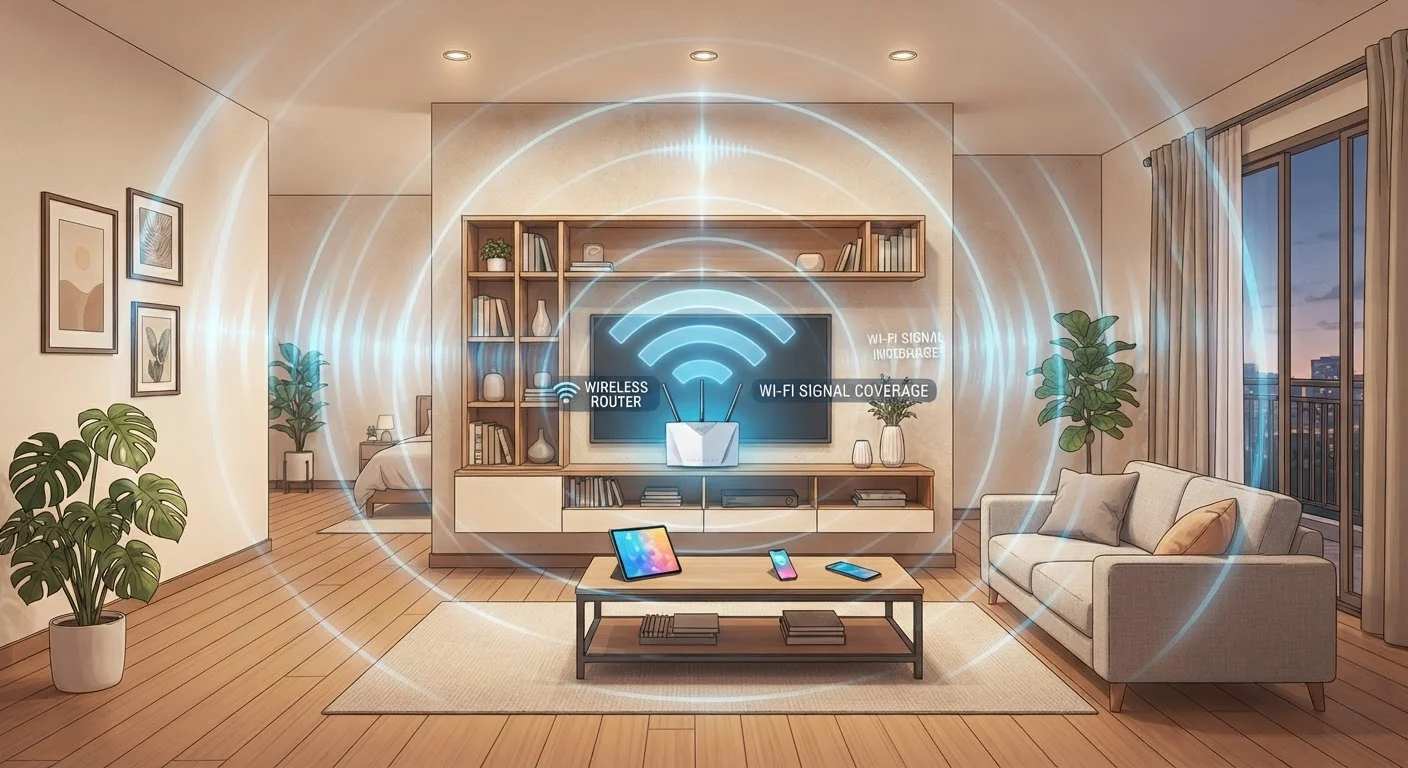
Radio Waves Don't Pass Through Walls the Way Light Passes Through Glass
It's easy to think of Wi-Fi as something that simply fills a house the way air does. In reality, Wi-Fi signals are radio waves — and radio waves behave very differently depending on what they encounter. Every wall, floor, ceiling, appliance, and even fish tank absorbs or reflects a portion of your signal.
This process is called attenuation — the gradual loss of signal strength as waves pass through matter. The denser and thicker the material, the more signal it absorbs. Drywall causes relatively minor loss. A poured-concrete exterior wall, on the other hand, can reduce a signal to near-useless levels. Metal surfaces reflect rather than absorb, scattering your signal unpredictably.
This is why two homes with identical routers can experience completely different Wi-Fi coverage — their construction materials are doing much of the work before placement even enters the picture. Understanding how wireless signals work at a basic level helps set realistic expectations for any home network.
~30%
Signal loss through a single interior drywall partition
Radio frequency engineering references estimate that a standard drywall interior wall absorbs roughly 3 dB of signal strength per pass — corresponding to about 30% power loss.
Up to 90%
Signal reduction through reinforced concrete
Reinforced concrete walls can attenuate 2.4 GHz Wi-Fi signals by 10–15 dB or more, reducing signal power by as much as 90% in a single pass.
2x
Coverage improvement with central vs. corner placement
Moving a router from a corner position to a central location can effectively double the usable area reached by its signal, since less energy is wasted broadcasting outside the home.
Why Placement Geometry Matters So Much
A router radiates its signal outward in all directions — roughly like a sphere. If you place it in a corner of your home, more than half of that sphere broadcasts into your neighbor's space or into exterior walls, wasting signal. A central placement means the usable signal reaches proportionally more of your living area.
Height also matters. Routers placed on the floor lose significant signal energy downward. Placing a router on a shelf or desk — ideally at least three to five feet off the ground — lets the signal spread more effectively at the level where your devices operate. In a multi-story home, positioning the router on an upper floor benefits the floor it sits on most directly; the signal must fight gravity-equivalent physics to reach floors above and below equally.
Use Your Router's Signal App or a Free Tool
Many router manufacturers offer a companion app that displays signal strength room by room. Free tools like Wi-Fi analyzer apps (available for both Android and iOS) let you walk through your home with your phone and map where signal drops off. Running this test before and after repositioning your router gives you objective data on what actually changed.
Physical obstructions between your router and a device create what engineers call line-of-sight degradation. A refrigerator, filing cabinet, or even a microwave in the signal path between your router and your laptop can cause noticeably slower speeds at that device specifically — even if the router is only a room away.
Common Placement Mistakes That Create Dead Zones
Several placement habits reliably produce dead zones, and most people encounter at least one of them:
- Closets and cabinets: Confining a router inside a closed cabinet surrounds it with additional wood, metal hinges, and reduced airflow — all of which degrade signal and can cause the router to overheat.
- Behind the television: TVs sit near entertainment centers packed with metal components and cables. Placing a router behind a TV introduces multiple sources of interference and reflection simultaneously.
- Next to the microwave: Microwave ovens operate at 2.45 GHz — almost identical to the Wi-Fi 2.4 GHz band. When a microwave runs, it can temporarily disrupt connections on that frequency for nearby devices.
- In the basement: Unless devices are also in the basement, a ground-level or below-grade placement wastes much of the router's broadcast range on empty space or ground.
Correcting any one of these issues often produces noticeable improvements without purchasing new equipment. Security improvements matter too — once your placement is optimized, consider locking down your home Wi-Fi network so that better signal reach doesn't become a liability.
When Placement Alone Isn't Enough
Repositioning a router solves a lot of problems, but some homes genuinely need more infrastructure. Large square footage, multiple concrete floors, or a layout with many load-bearing walls may still produce dead zones regardless of where a single router sits. In those cases, a mesh network system or a wired access point can extend coverage in ways that radio physics simply won't allow a lone router to achieve.
It's also worth distinguishing between signal strength and internet speed. A well-placed router improves signal distribution throughout the home, but your overall internet speed is still capped by your internet service plan. A stronger signal reduces packet loss and latency — which matters enormously for video calls and gaming — but it won't give you more bandwidth than your provider supplies.
Router placement is the most overlooked, zero-cost adjustment most households can make. Before investing in new hardware, spending a few minutes relocating your router to a central, elevated, unobstructed position is almost always the right first step.
Mesh Networks Aren't Always Necessary
Mesh network systems are an effective solution for large or complex homes, but they're not always required. Many households with average square footage and standard drywall construction can achieve solid full-home coverage with a single well-placed router. Evaluate placement thoroughly before adding additional hardware — the simpler solution often works just as well.
Frequently Asked Questions
Ideally, position your router in a central location in your home, elevated off the floor, and away from thick walls or large metal objects. This allows the signal to radiate outward more evenly. Avoid placing it in a closet, basement, or corner of the house.
Yes. Routers placed on the floor lose signal downward into the ground rather than broadcasting usefully through your living space. Elevating the router — on a shelf or table — helps the signal spread horizontally across rooms where your devices actually are.
Absolutely. Every material a signal passes through absorbs some energy. Drywall causes minor loss, while concrete, brick, and metal can dramatically weaken or even block a Wi-Fi signal. Thick exterior walls are a common culprit for dead zones near the edges of a home.
Not equally. The 5 GHz band degrades faster through solid materials than 2.4 GHz. So while 5 GHz may offer faster speeds in the same room as your router, 2.4 GHz tends to reach farther into adjacent rooms and floors.
Yes. Microwave ovens, baby monitors, and older cordless phones can all emit radio frequency interference on the 2.4 GHz band. Keeping your router away from these appliances can reduce interference and improve connection stability.
It can, especially if your current placement involves thick walls or long distances between the router and your devices. Moving the router closer to high-demand devices — or to a more central location — often reduces latency and improves throughput without any hardware changes.
The content on this site is for informational purposes only and is not a substitute for professional advice. Always consult a qualified professional for guidance specific to your situation.