

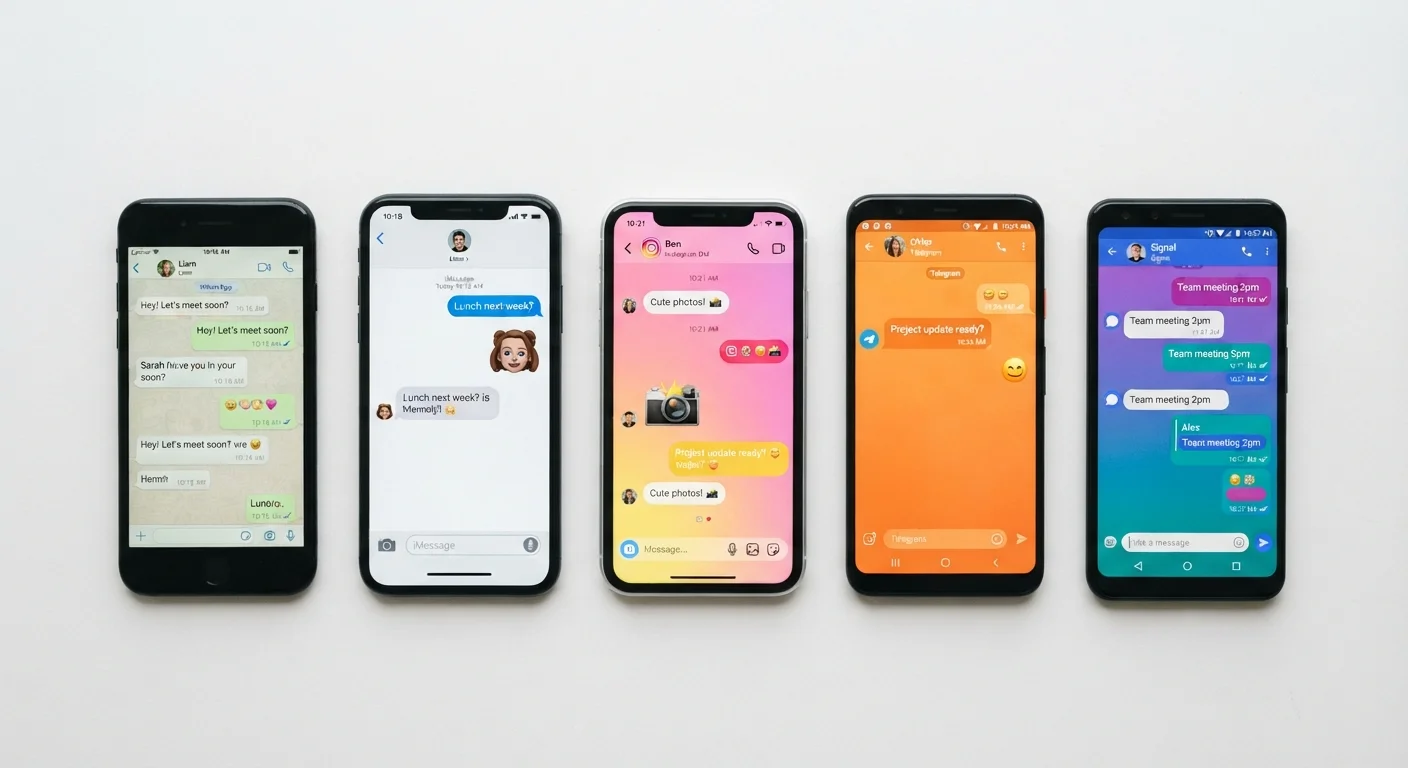
Our Verdict
No single messaging app excels at everything. Privacy-focused users will prioritize strong default encryption and minimal metadata collection, while those needing broad reach or large groups may accept different trade-offs. Understanding the specific differences — not just marketing claims — is what enables an informed choice.
| Best for | Recommended |
|---|---|
| Those prioritizing strong privacy and minimal data collection | Apps with default end-to-end encryption and open-source protocols |
| Users who need large group chats or broadcast channels | Apps designed around community and channel features |
| People communicating across mixed device ecosystems | Cross-platform apps with desktop and web clients |
| Those who value convenience and existing social networks | Widely adopted apps already installed in your contacts' circles |
Why Messaging Apps Aren't as Interchangeable as They Seem
Most messaging apps let you send a text and attach a photo. From the outside, they look nearly identical. Beneath that surface, however, they make very different decisions about encryption, data storage, metadata collection, and user control — decisions that affect your privacy in meaningful ways.
Understanding these distinctions doesn't require a technical background. It mainly requires knowing which questions to ask. This comparison focuses on the structural differences that matter most for everyday users: how messages are protected, what data the app retains, how groups work, and how the app behaves across devices.
For a deeper look at what encryption actually shields you from, see our explainer on encryption limits.
Encryption: Default vs. Optional vs. Absent
End-to-end encryption (E2EE) means only the sender and recipient can read a message — not the app company, not an attacker who intercepts it in transit. But not every app applies E2EE to every conversation by default.
| Feature | Full Default E2EE | Optional E2EE | Server-Side Storage | Disappearing Messages | |
|---|---|---|---|---|---|
| One-on-one messages encrypted | Yes, automatic | Only in secret mode | Encrypted in transit only | Varies by app | |
| Group chat encryption | Supported, varies by size | Often not available | Generally not E2EE | Varies by app | |
| Message backup encryption | End-to-end in some apps | Typically cloud-standard | Platform-controlled | Not applicable | |
| Metadata collection | Minimal in privacy-first apps | Standard analytics | Often extensive | Varies by app | |
| Multi-device support | Yes in most cases | Limited or phone-tethered | Yes, cloud-synced | Varies by app |
Some apps apply E2EE to all messages automatically. Others require users to start a special "secret" or "private" chat mode to enable it. A few platforms encrypt messages in transit but store decryptable copies on company servers — a meaningful distinction if data access by third parties is a concern.
Group chats complicate matters further. Some apps that encrypt one-on-one chats by default do not extend full E2EE to large group conversations.
Check the Default, Not Just the Feature
Many apps advertise encryption as a feature without making it the default for all conversation types. Before assuming your messages are protected, check whether E2EE is on automatically or requires manual activation. A feature that has to be turned on is often overlooked in practice.
Message Retention and Data Storage
Who holds your messages, and for how long, varies considerably. Some apps store messages on company servers indefinitely to support features like multi-device sync and message history. Others keep messages only on your device, meaning they disappear if you switch phones without a backup.
Disappearing messages — auto-deletion after a set timer — are available in several apps, but the default setting differs. Some apps make ephemeral messaging opt-in; others can be configured to default to it in any conversation.
~1 billion
Estimated users of the most widely adopted messaging platforms
Several messaging apps have crossed the one-billion-user mark, making network availability a practical factor in adoption decisions.
Varies 24h–never
Default message retention window across major apps
Some apps default to indefinite cloud retention; others delete messages from servers once delivered, with no standard industry norm.
Backup behavior is also worth examining. If an app backs up your messages to a general cloud service, those backups may not carry the same encryption protections as the messages themselves. Understanding this gap matters for anyone who treats message privacy seriously.
Metadata, Group Limits, and Cross-Platform Access
Even when message content is encrypted, metadata — who you messaged, when, and how frequently — can still be collected. Different apps have different policies on metadata retention, and this is often less prominently disclosed than encryption features.
Group chat capacity is another practical differentiator. Some apps cap groups at a few hundred participants; others support tens of thousands. If you manage a community, a neighborhood group, or a workplace team, this ceiling matters.
Cross-platform availability — whether the app runs on iOS, Android, Windows, Mac, and via a web browser — determines how seamlessly you can switch between devices. Some apps tie your account to a phone number and a single primary device; others allow true multi-device use without a phone being online.
Before installing any new messaging app, it's worth reviewing what permissions it requests. Our guide to app permissions explains what each access grant actually means.
If you're evaluating whether a standalone app or a browser-based tool suits your communication needs better, see browser extensions vs. standalone apps.
Choosing Based on What You Actually Need
The right messaging app is rarely the most feature-rich one — it's the one whose trade-offs align with how you communicate. Someone coordinating with a small group of privacy-conscious friends has different needs than someone managing a large community or staying in touch with family spread across different countries and devices.
A few practical questions help narrow the field: Do you need messages synced across multiple devices? Do you want messages to auto-delete? Do the people you communicate with already use a particular app, making adoption realistic? And how much weight do you place on who can technically access your conversation history?
If managing too many apps has become its own problem, auditing your app setup can help you consolidate. And before committing to a new install, check these key factors first.
The content on this site is for informational purposes only and is not a substitute for professional advice. Always consult a qualified professional for guidance specific to your situation.