

Summary
18 items · 10–20 minutes
Why the Install Button Deserves a Pause
Installing an app takes seconds. Undoing the privacy and security consequences of a careless install can take much longer. Every app you add to your phone or computer gains a foothold on your device — and depending on the permissions you grant, that foothold can extend to your contacts, location, camera, microphone, and more.
This checklist is designed to slow that process down just enough to make an informed decision. It's not about becoming paranoid; it's about asking the same basic questions a careful consumer would ask before letting a stranger into their home. Work through these checks before you tap Install, and you'll have a clearer picture of what you're actually agreeing to.
For a broader look at your overall digital exposure, the Internet Privacy Audit checklist walks through passwords, browser settings, and data-sharing habits in one sitting.
Developer and Source Verification
Ratings, Reviews, and Update History
Permissions Review
Privacy Policy and Data Practices
Business Model and Cost Transparency
What to Know About Permissions and Data Practices
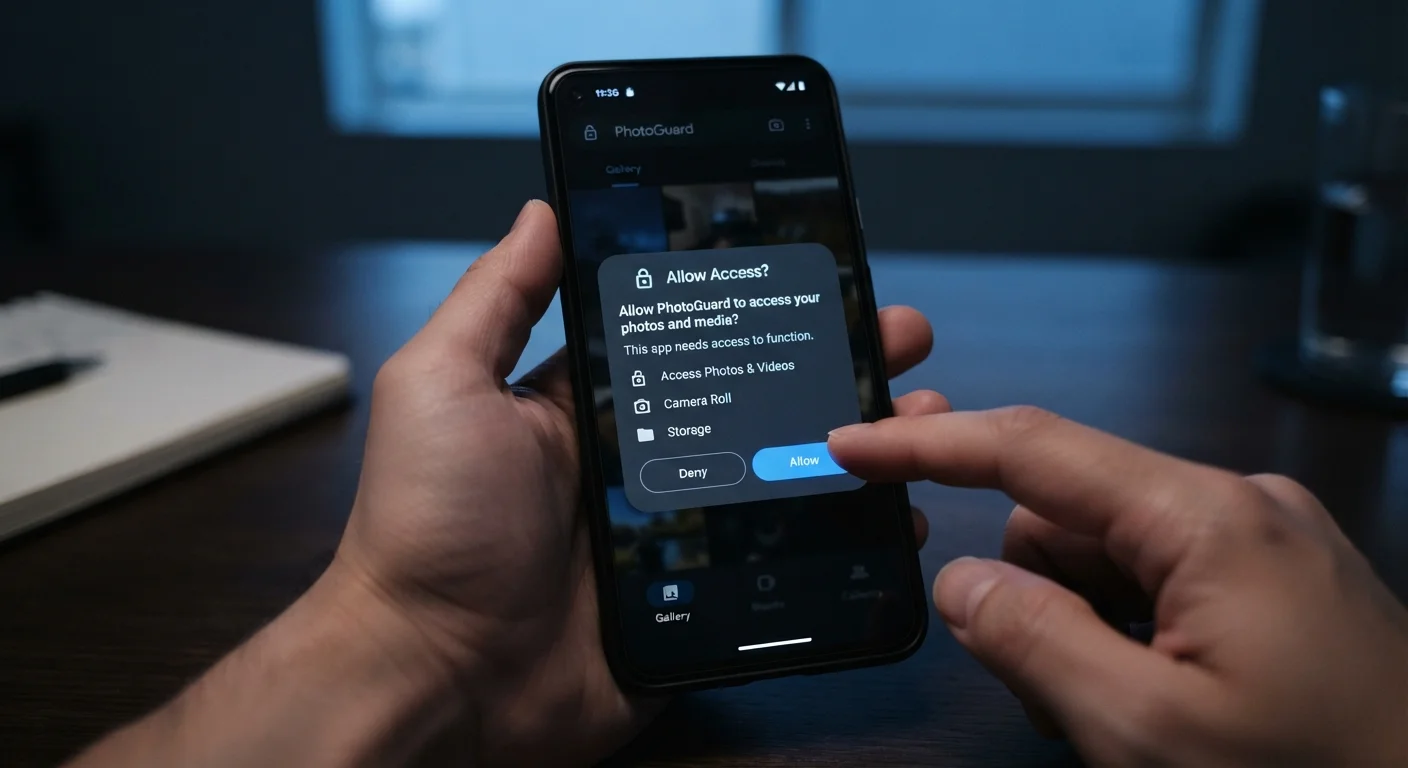
Permissions are the clearest signal an app sends about its intentions. An app that requests access to your microphone to play ambient sounds, or your contacts list to display a simple calendar, is asking for more than its function requires. That mismatch is worth noting.
Permissions Can Change After Updates
An app that behaved reasonably at install can request new permissions through a future update. Many users accept update prompts automatically without reviewing what changed. It's worth occasionally revisiting your device's permission settings — not just at the point of install — to make sure apps haven't quietly gained access they didn't originally have.
On both Android and iOS, you can review what an app will request before you install it — look for the App Privacy or Permissions section on its store listing. If those details aren't visible before install, you can always check and revoke permissions afterward in your device's settings. Our companion guide on what app permissions actually mean breaks down each category — camera, contacts, location, and more — so you can decide which are worth allowing.
It's also worth understanding the business model behind any free app. Apps that cost nothing to download need to sustain themselves somehow. Advertising and data brokering are common funding mechanisms — and neither is inherently disqualifying, but you should know which model applies before you install. For a clear-eyed breakdown, see our guide on free vs. paid app tiers.
No Privacy Policy Means No Accountability
In the US, apps that collect personal data from users are generally expected to provide a privacy policy — and many app stores require one for listing. If an app has no privacy policy, or links to a generic template that doesn't mention the app by name, treat that as a serious warning sign. Without a documented policy, you have no clear basis for understanding or disputing how your data is used.
Finally, if you're debating whether you need a standalone app at all — or whether a browser-based tool would do the same job with less access to your device — the comparison of browser extensions vs. standalone apps is worth a read before you commit.
After You've Installed: Keeping Your App List Healthy
Even apps that pass every pre-install check can drift over time. Developers change ownership, update their privacy policies, or introduce new permissions with a routine-seeming update. Building a habit of occasional review matters just as much as the initial check.
If your device is already crowded with apps you barely use, a practical approach to app overload can help you audit what's on your devices and cut what isn't earning its place. And if you're setting up a brand-new device, don't skip the privacy and permission steps that most people rush past — device setup done right covers exactly what tends to get overlooked in the first hour.
Think of app management less like a one-time event and more like an ongoing practice — check in on what's installed, what permissions have been granted, and whether each app still earns the access it was given.
The content on this site is for informational purposes only and is not a substitute for professional advice. Always consult a qualified professional for guidance specific to your situation.