

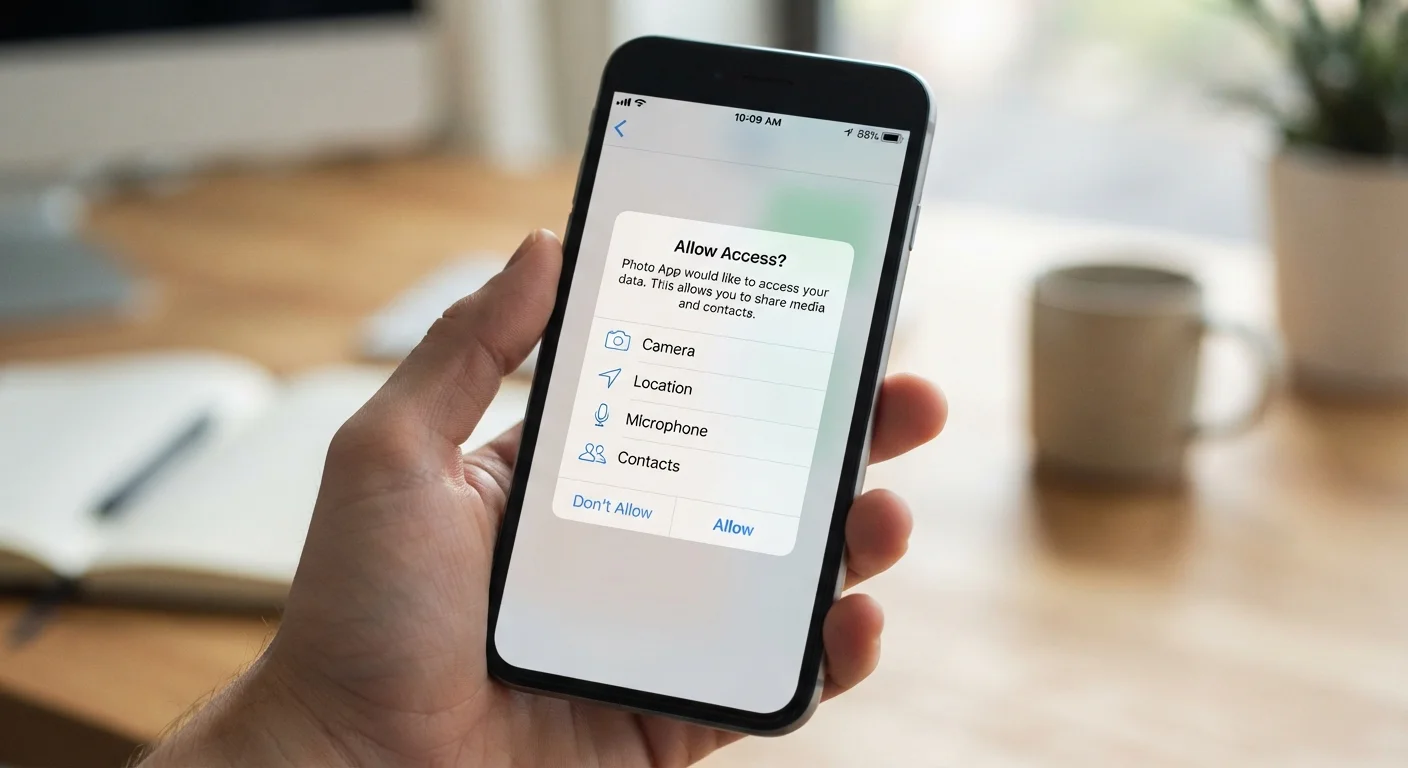
What App Permissions Actually Are
When you install an app, it often asks to access parts of your phone it doesn't strictly need to function — your camera, microphone, contacts, location, or storage. These requests are called app permissions, and they act as gates between an app and your device's hardware or personal data.
On both Android and iOS, the operating system enforces these gates. An app can only access your microphone if you explicitly allow it. That said, many users tap "Allow" reflexively, without considering what they're granting or why the app needs it.
Permissions generally fall into two categories. Standard permissions are low-risk actions an app can perform without asking (like checking network status). Runtime permissions — the ones that trigger a pop-up — involve access to sensitive data or hardware and require your active consent.
| Permission prompt trigger | Required before any app can access sensitive hardware or data (Android and iOS platform documentation) |
| Can permissions be revoked? | Yes — at any time via device Settings > Apps > Permissions |
| Location access options (iOS/Android) | Always, Only While Using, Ask Every Time, or Never |
| Highest-risk permissions | Location (precise), Microphone, Camera, Contacts, Body Sensors |
| Can an app function without a permission? | Often yes — most apps work with reduced, not zero, functionality |
Understanding what each permission actually enables is the first step toward making informed decisions. For a broader look at how apps interact with your phone's hardware, see what's inside your smartphone.
Breaking Down the Most Common Permissions
App permission
A user-granted authorization that allows an app to access specific hardware features or data on your device. Without permission, the app cannot use that resource.
Runtime permission
A permission that triggers an explicit pop-up asking the user to approve or deny access — typically for sensitive data like location, contacts, or microphone.
Background access
The ability for an app to use a permission (such as location) even when you're not actively using the app. This can drain battery and raise privacy concerns.
Least privilege principle
A security concept suggesting that apps should be granted only the minimum permissions necessary to perform their stated function — nothing more.
Sensitive data permission
Any permission that provides access to personally identifiable or private information — including contacts, health data, precise location, and stored files.
Here's what each commonly requested permission actually grants:
- Location: Precise GPS coordinates or approximate location based on Wi-Fi and cell towers. A mapping app needs this; a flashlight app does not.
- Camera: Ability to open your camera and capture photos or video. Video-calling apps need it; most productivity tools don't.
- Microphone: Access to live audio input. Voice assistants and video-conferencing apps legitimately need this. Be cautious when a game or retail app requests it.
- Contacts: Full read access to your address book, including names, phone numbers, and email addresses. Messaging apps may need this to find contacts; many other apps don't.
- Storage / Files: Ability to read or write files on your device. Photo editors and document apps have legitimate reasons; other apps may use this to scan your files.
- Bluetooth: Pairing with nearby devices. Speaker and fitness tracker apps commonly need this; a note-taking app typically shouldn't.
- Body Sensors / Health: Data from your phone's sensors or a connected wearable (heart rate, steps). Fitness apps may use this; most other categories have no need.
A useful mental check: Does the core function of this app require this data? If the answer isn't obvious, that's worth pausing on.
When to Say No — and How to Decide
Saying no to a permission doesn't always break an app. Many apps work perfectly without every permission they request. When a permission is truly required, the app will typically tell you and prompt you again or explain what functionality you'll lose.
You Can Change Your Mind Later
Granting a permission during setup isn't permanent. Both Android and iOS let you revisit every permission for every app in your device's Settings at any time. It's worth auditing these periodically — especially after major app updates, which can introduce new permission requests. Revoking access for apps you rarely use is a low-effort way to reduce your data exposure.
A few practical decision rules:
- Match permission to purpose. A recipe app asking for your location to show nearby stores is borderline acceptable. The same app asking for microphone access is not.
- Prefer "Only while using the app" for location-sensitive apps. This limits access to active sessions rather than running in the background continuously.
- Revoke permissions you granted in the past. You can review and change permissions at any time in your phone's Settings. Periodic reviews are worthwhile — especially for apps you haven't used recently.
- Be more cautious with free apps. Apps that don't charge users sometimes generate revenue through data collection. What free tiers typically trade away is worth understanding before you tap Allow.
For a structured walkthrough of reviewing permissions across all your apps at once, the Internet Privacy Audit checklist is a practical starting point. And before downloading anything new, check these things before you install any new app.
The content on this site is for informational purposes only and is not a substitute for professional advice. Always consult a qualified professional for guidance specific to your situation.