

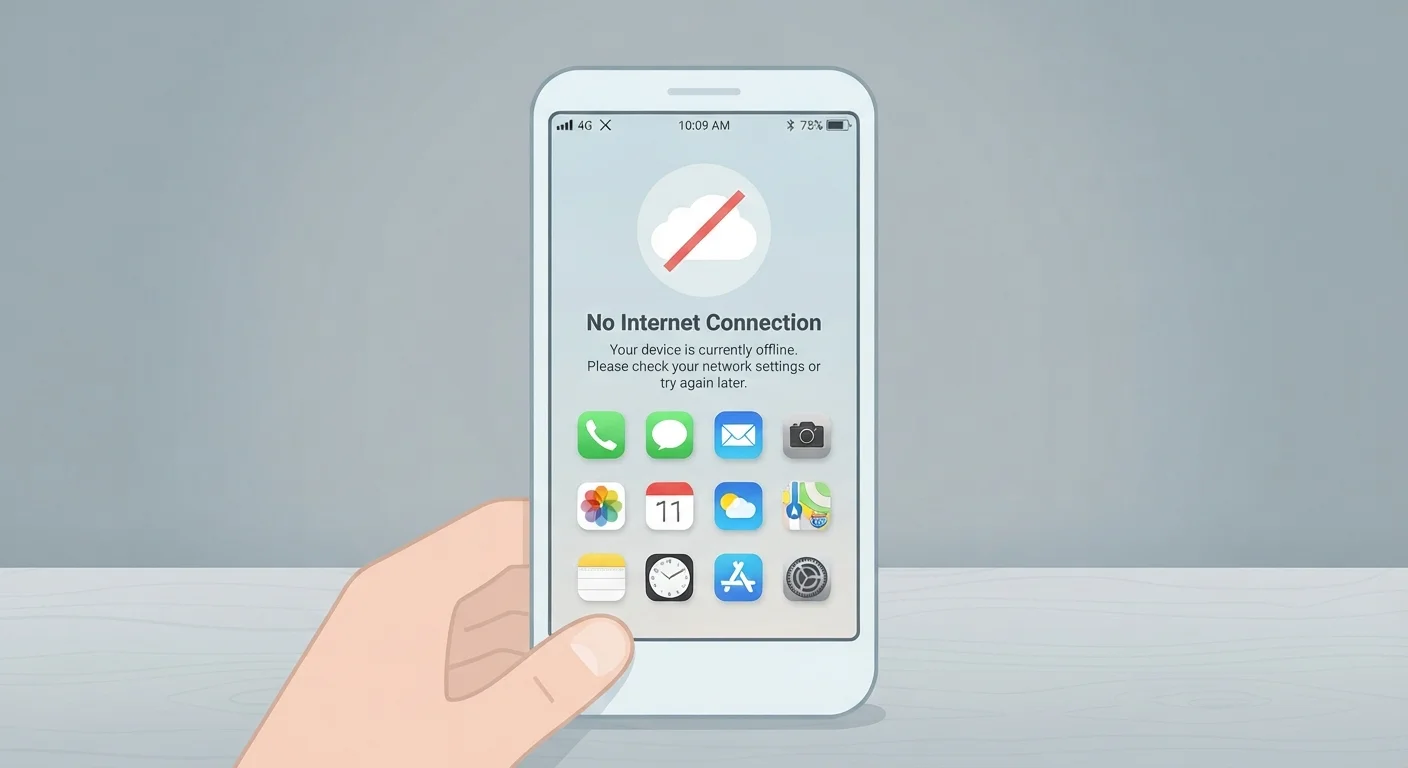
Why Offline Mode Is More Limited Than It Sounds
Many apps advertise offline support as a straightforward feature, but what that promise actually delivers varies widely. The core issue is simple: apps that rely on live data — real-time prices, current messages, cloud-stored files — can't retrieve new information without a connection. What they can do is give you access to data that was already pulled down to your device before you went offline.
Think of it like a printed newspaper. Once it's in your hands, you can read it anywhere. But you can't get tomorrow's edition until the delivery happens. Offline mode works the same way: you're working from a local snapshot, not a live feed.
Offline Mode Is Not a Manual Switch for Most Apps
Most apps enter offline mode automatically when they can't reach their servers — not because you've switched something off. Some apps do offer a manual offline toggle in settings, which can be useful for conserving data or improving performance in low-signal areas. Check your app's help documentation to see if this option exists.
The size of that snapshot — how much content an app stores locally and for how long — is a design decision made by the app's developers. Users generally have limited control over it, though some apps let you manually download specific content in advance.
What Offline Mode Actually Enables
Despite its limits, offline access can be genuinely useful across several common app categories:
- Document and note-taking apps: Apps in this category often cache your recent files locally, letting you read and edit them offline. Changes sync automatically once you reconnect.
- Music and podcast apps: Tracks or episodes you've explicitly downloaded play without a connection. Streaming content you haven't downloaded remains unavailable.
- Navigation apps: Pre-downloaded maps allow basic routing, though live traffic data, incident reports, and rerouting based on current conditions typically require connectivity.
- Email clients: You can usually read previously fetched messages and draft replies. Sending is queued until a connection is restored.
~50%
Of mobile users who experience dropped connections daily
Estimates from mobile industry research consistently indicate that a significant share of smartphone users lose connectivity at some point during a typical day, making offline functionality a practical concern rather than an edge case.
Varies
Cache storage limit per app by platform policy
Both iOS and Android impose constraints on how much local storage an app can use for caching, and the OS may clear cached data when device storage runs low — without warning the user.
Understanding what your specific app caches — and proactively downloading what you'll need — is the most reliable way to make offline mode work in your favor. Check the app's settings before a flight or a trip to a low-signal area.
What Offline Mode Cannot Do
The limitations are just as important to understand as the capabilities. Offline mode fundamentally cannot:
- Retrieve new data: Live stock prices, breaking news, new messages, updated weather — any information that doesn't already exist on your device is inaccessible.
- Verify identity or authorization in real time: Some apps require a server-side check to confirm your login or subscription status. If that check fails due to no connection, access may be blocked entirely.
- Sync collaborative work instantly: If a colleague edits a shared document while you're both offline, one version will need to override or merge with the other when you reconnect. Conflict resolution varies by app, and data can occasionally be lost.
- Process payments or authenticate transactions: Any action requiring a live server handshake — purchases, transfers, two-factor authentication — won't complete offline.
Prepare Before You Lose Your Connection
If you know you'll be offline — on a flight, in a remote area, or in a signal-dead building — take a few minutes while connected to download the specific content you'll need. Open documents, queue podcast episodes, and download map regions in advance. Don't rely on an app to automatically cache what you'll want; that behavior is inconsistent across apps and platforms.
Offline mode is also not a privacy feature. Your device still stores your data locally, where it can be accessed by anyone with physical access to the device. For more on app-level privacy boundaries, see our guide on what encryption actually protects in messaging apps.
Setting Realistic Expectations for Specific App Types
The gap between what users expect and what offline mode delivers is often widest with apps that feel inherently connected. Social media apps, for instance, may let you scroll through a cached feed for a few minutes, but that content quickly runs out and new posts won't load. Messaging apps typically let you read previous conversations but can't send or receive new messages. Messaging apps vary significantly in how they handle offline queuing and sync.
Cloud storage apps present a subtler case. A file stored exclusively in the cloud is simply unavailable offline unless you've toggled a "make available offline" option for that specific file. Many users discover this the hard way mid-flight.
Understanding what permissions apps request — including storage access — can also help you understand which apps are able to cache content locally at all. Apps without storage permission can't save much of anything to your device, making offline access minimal by default.
“Offline functionality is essentially a promise about local data — what the app stored before you disconnected. It says nothing about what happens next, or whether that data will still be accurate when you come back online.”
— Tech & Gadgets Editorial Team, Technology explainer series
The bottom line: treat offline mode as a useful fallback for content you've already interacted with, not as a substitute for a real connection. Prepare in advance, know your app's specific behavior, and you'll avoid most of the frustration.
Frequently Asked Questions
No. Each developer decides which features to support offline and how much content to cache locally. A music app might let you play downloaded playlists, while a document editor might let you edit files but not share them until you're back online.
Usually yes, but with caveats. Changes are saved locally and synced when you reconnect. If two people edit the same file during that period, the app must resolve the conflict — and the outcome depends on how the app handles it.
If offline mode is triggered by a lost connection rather than a manual setting, the app may repeatedly attempt to reconnect. Some apps also pre-cache content in the background when connected, which does use data. Check each app's settings to control this behavior.
Some navigation apps let you download maps for specific regions in advance, enabling turn-by-turn directions without a data connection. However, real-time features like traffic updates or route recalculations based on current conditions generally require connectivity.
No. Airplane mode cuts all wireless signals at the device level — Wi-Fi, cellular, and Bluetooth. Offline mode is an app-level state, either triggered automatically by a lost connection or enabled manually within a specific app, while other device functions remain active.
The content on this site is for informational purposes only and is not a substitute for professional advice. Always consult a qualified professional for guidance specific to your situation.