

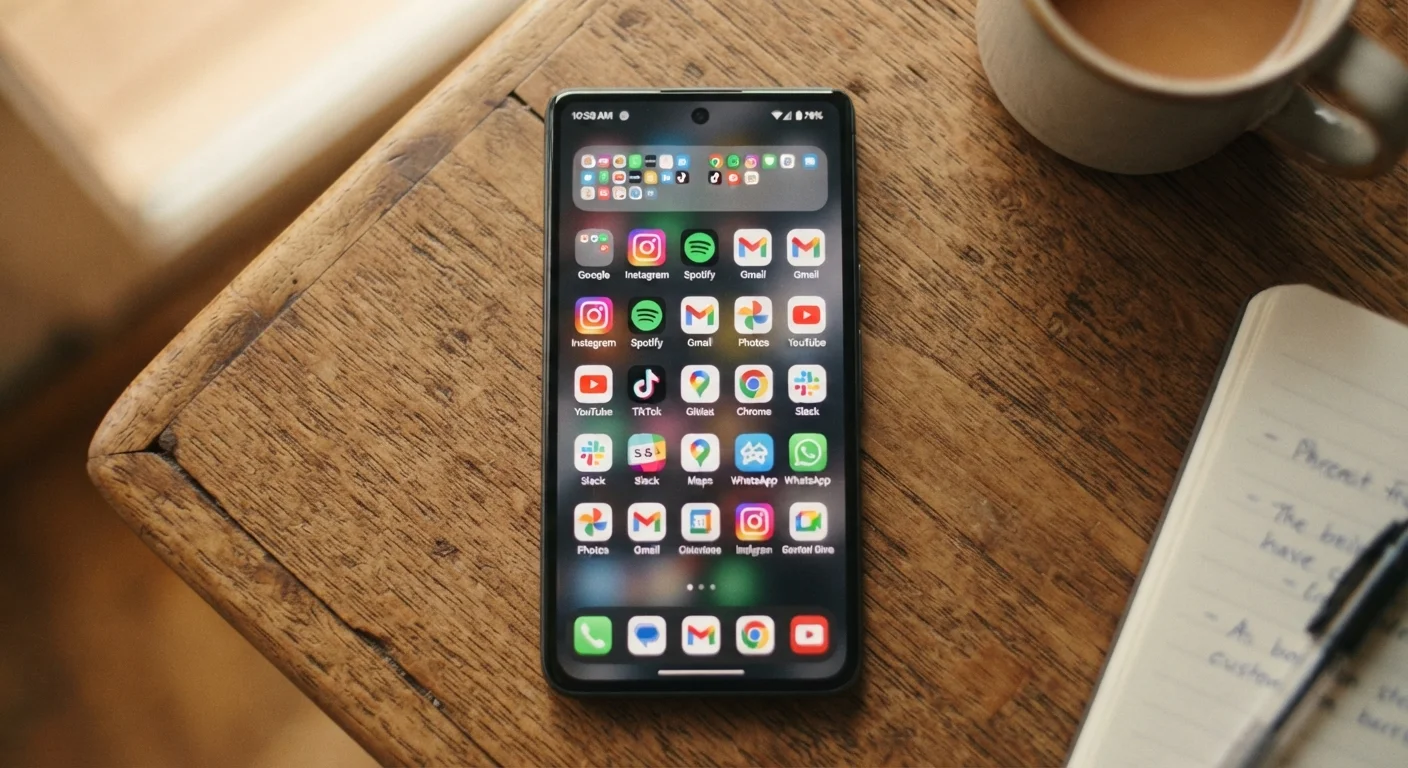
Why Apps Are the Real Culprit Behind Phone Lag
When a phone starts feeling sluggish, the instinct is often to assume the hardware is aging out. Sometimes that's true — but in many cases, the slowdown is a software problem you can actually fix. Apps interact with your phone's processor, memory, storage, and battery in ways that aren't always visible, and poor app habits compound over time into a device that feels half as fast as it used to.
Understanding what's happening under the hood helps. Your phone's CPU juggles active tasks while also handling background processes from apps you haven't opened in weeks. RAM (random access memory) fills up with cached states from multiple apps. Storage fragmentation, permission overuse, and update timing all add pressure. For a plain-language explanation of how these components interact, see what every component inside your smartphone actually does.
The good news: most of these slowdowns are reversible. The mistakes below are the most common reasons devices underperform — and each has a concrete fix.
Leaving dozens of apps running in the background without ever reviewing their activity.
Why it happens: Many users assume that only open, visible apps use resources. In reality, apps set to refresh in the background continually pull data, send notifications, and consume CPU cycles.
Never clearing app cache, allowing gigabytes of temporary files to accumulate over months.
Why it happens: Cache is designed to speed up apps by storing frequently used data locally. Users rarely think to clear it because it works invisibly — until it grows large enough to cause the opposite effect.
Installing apps and never uninstalling them, even when they're used only once.
Why it happens: Downloading an app feels low-commitment. Deleting it feels like a bigger decision. The result is a device carrying dozens of idle installs — many of which still run background processes or receive periodic system resources.
Allowing automatic app updates to run at any time, including during active use.
Why it happens: Auto-update is enabled by default on most devices, and most users never change it. Update processes are resource-intensive and can cause noticeable slowdowns when they run while you're actively using your phone.
Granting broad permissions to apps that then continuously access location, microphone, or motion sensors in the background.
Why it happens: Permission prompts appear at install or first launch, and most people tap 'Allow' without considering ongoing resource use. An app with constant location access, for example, keeps GPS hardware partially active.
Keeping Your Phone Fast for the Long Term
Recovering speed isn't just about one-time fixes. Sustainable performance comes from building a small set of regular habits that prevent the buildup problems described above.
Storage Near Full Slows Everything Down
When your phone's internal storage drops below roughly 10–15% of its total capacity, the operating system struggles to create temporary files it needs to function. This directly causes lag, app crashes, and sluggish load times. Before blaming aging hardware, check how full your storage is — it's one of the fastest fixes available.
Beyond storage, heat is a less obvious factor. Apps that push the CPU hard — streaming video, navigation, augmented reality — generate heat, and sustained high temperatures cause modern phones to throttle performance intentionally to protect internal components. If your phone frequently runs hot, check which apps are consuming the most battery in your settings; unusually high consumers are often also high heat generators.
Battery health is closely tied to performance as well. A degraded battery can cause the system to limit processor speed to prevent unexpected shutdowns. To understand what's happening chemically and how to slow battery aging, see our piece on why lithium batteries age and what slows it down.
If you've addressed app management and still want to squeeze more out of your current device, practical ways to extend device performance without buying new hardware covers storage, charging, and software strategies in depth. A faster phone is often a cleaner one — not a newer one.
80+
Average apps installed on a smartphone
Research from app analytics firms consistently finds the average smartphone user has more than 80 apps installed, though typically uses fewer than 10 daily.
~30%
Performance loss from near-full storage
Device performance can degrade noticeably when internal storage is nearly full, as the OS requires free space to manage system operations and temporary files.
The content on this site is for informational purposes only and is not a substitute for professional advice. Always consult a qualified professional for guidance specific to your situation.