

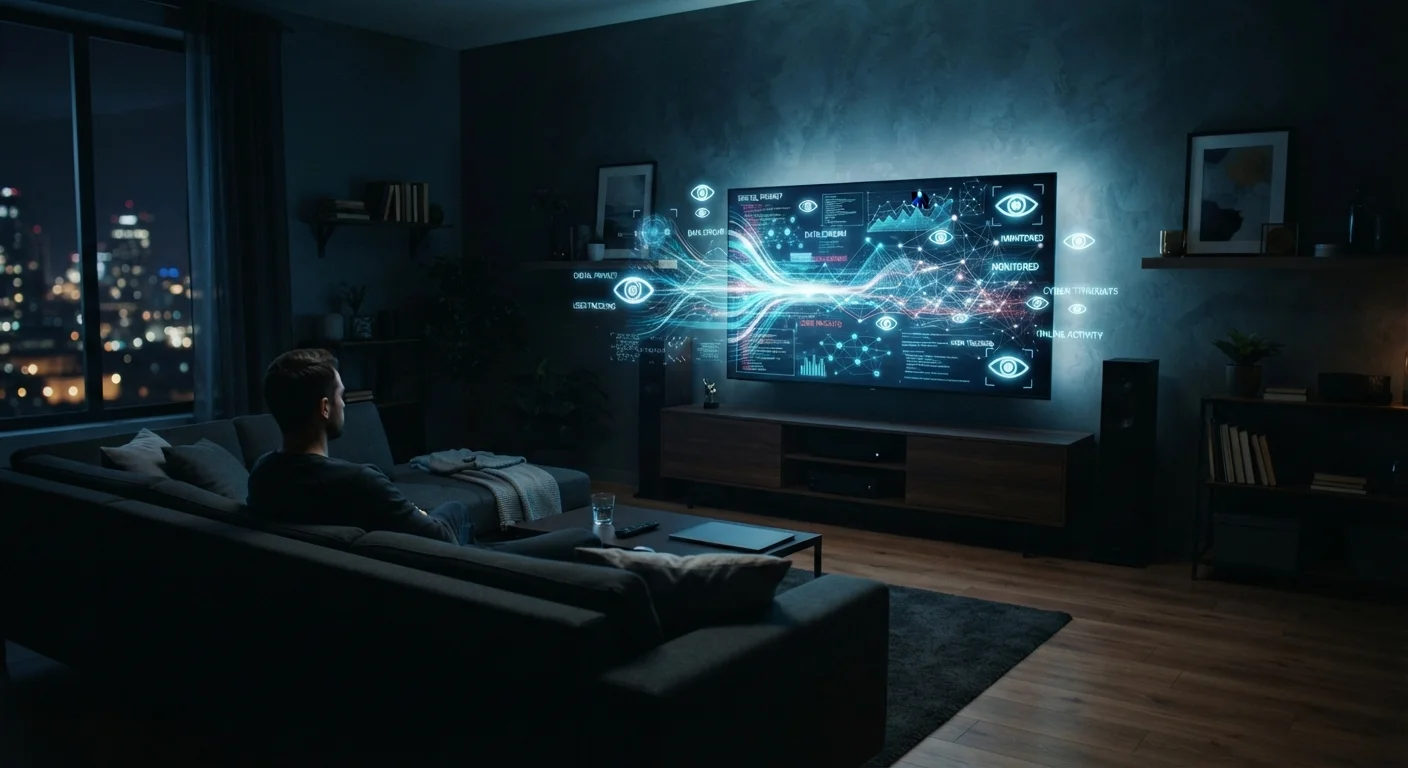
How Smart TVs Identify What You're Watching
When you set up a new smart TV, you're typically asked to agree to a privacy policy and terms of service before accessing its features. Buried within those agreements is consent for the TV to use Automatic Content Recognition — a technology that continuously monitors what appears on screen.
ACR works by capturing small samples of the image displayed on your screen at regular intervals, then comparing those samples against a vast reference database of movies, TV episodes, commercials, and live broadcasts. Within seconds, the system can identify the exact show, episode, and even the specific ad that aired. This process happens regardless of whether you're watching through a streaming app, a cable box, an antenna, or even a game console connected via HDMI.
Unlike browser tracking, which is confined to internet activity, ACR captures the full scope of your TV viewing. For a deeper look at how data collection works across your devices, our guide on how cookies track you across the web covers a related but distinct mechanism used in online environments.
~80%
Smart TVs sold with ACR enabled by default
Industry analysts have estimated that the vast majority of smart TVs ship with automatic content recognition active out of the box, requiring users to opt out manually.
$8.3B
Connected TV ad market size (U.S.)
The U.S. connected TV advertising market has been valued in the multi-billion dollar range, reflecting how valuable verified viewing data has become to advertisers.
Seconds
Time for ACR to identify on-screen content
ACR systems are designed to match screen samples against reference databases within a few seconds, enabling near-real-time content identification.
What Happens to the Data After It's Collected
Viewing data collected via ACR doesn't simply sit in a server somewhere unused. It feeds directly into the advertising ecosystem that makes free or low-cost smart TV platforms financially viable.
Manufacturers use this data — typically in aggregated or pseudonymized form — to build detailed profiles of household viewing behavior. These profiles can indicate your approximate age range, interests, household composition, and purchasing intent. Advertisers pay a premium for the ability to target viewers based on this kind of granular insight rather than broad demographic guesses.
The data can also flow beyond the manufacturer. As explained in our overview of data brokers, companies that aggregate and sell consumer data often receive streams from device manufacturers. This means your viewing habits can potentially contribute to a broader profile used for marketing, credit assessment, and other purposes well beyond TV advertising.
“The television set has become one of the most data-rich devices in the home precisely because people underestimate how much it observes.”
— Ashkan Soltani, Former Chief Technologist, U.S. Federal Trade Commission
Understanding the terminology behind these data flows is useful. Our plain-English privacy glossary breaks down terms like pseudonymization, data broker, and opt-out in accessible language.
What You Can Actually Do About It
The most direct step viewers can take is disabling ACR. Most manufacturers provide this option, though the labeling varies. On some platforms it's called 'Viewing Data' or 'Interest-Based Advertising'; on others you may see references to third-party ACR providers. Searching your TV brand along with 'disable ACR' or 'viewing data settings' will typically surface the specific steps.
How to Find Your TV's ACR Settings
On most smart TVs, ACR controls are found under Settings > Privacy, Settings > General, or a dedicated 'About' and 'Legal' menu. Look for labels such as 'Viewing Data,' 'Live Plus,' 'Samba TV,' or 'ACR.' Disabling these options does not affect picture quality, app access, or streaming performance.
Beyond ACR, other steps can reduce your smart TV's data footprint. Reviewing and declining optional data-sharing permissions during initial setup — rather than accepting all defaults — is one approach. Connecting only the streaming apps you actively use and reviewing each app's own privacy settings adds another layer of control.
It's worth noting that smart TVs are not alone in this kind of ambient data collection. Smart speakers collect audio data under different conditions and with different purposes — understanding how each device in your home handles data gives a more complete picture of your household's digital footprint.
No single setting eliminates all data collection from a smart TV. The platform's operating system, individual streaming apps, and the TV's Wi-Fi connection each represent separate data streams. Opting out of ACR is a meaningful step, not a complete solution.
Frequently Asked Questions
Some smart TVs include built-in cameras for features like video calling or gesture control, but ACR data collection is separate from camera use. ACR works by sampling the pixels displayed on screen, not by recording viewers. Check your TV's hardware and settings if you're concerned about camera use.
In most cases, yes. ACR and related tracking features can be disabled in your TV's privacy or settings menu. The option may be labeled differently depending on the manufacturer — look for terms like 'Viewing Data,' 'ACR,' 'Samba TV,' or 'Live Plus.' Disabling these features won't affect core TV functionality.
No. Disabling ACR limits one significant data stream, but smart TVs can still collect information through connected apps, Wi-Fi network data, and the TV's operating system. Each app you use — Netflix, YouTube, etc. — also has its own data practices governed by separate privacy policies.
Data typically flows to the TV manufacturer, their advertising partners, and in some cases third-party data brokers. Manufacturers generally disclose these relationships in their privacy policies, though the specifics can be difficult to parse. See our guide on <a href="/tech-gadgets/internet-privacy/data-brokers-who-they-are-and-what-they-know">data brokers</a> for more context.
In the United States, smart TV data collection is generally legal provided manufacturers disclose it in their terms of service or privacy policies — which users typically accept during setup. Some states, including California, offer additional consumer privacy rights that may apply to TV data.
Yes. One of ACR's defining features is that it works across almost any video source displayed on the screen — including cable, satellite, over-the-air broadcasts, gaming consoles, and streaming apps. The TV samples pixels regardless of the signal's origin.
The content on this site is for informational purposes only and is not a substitute for professional advice. Always consult a qualified professional for guidance specific to your situation.