

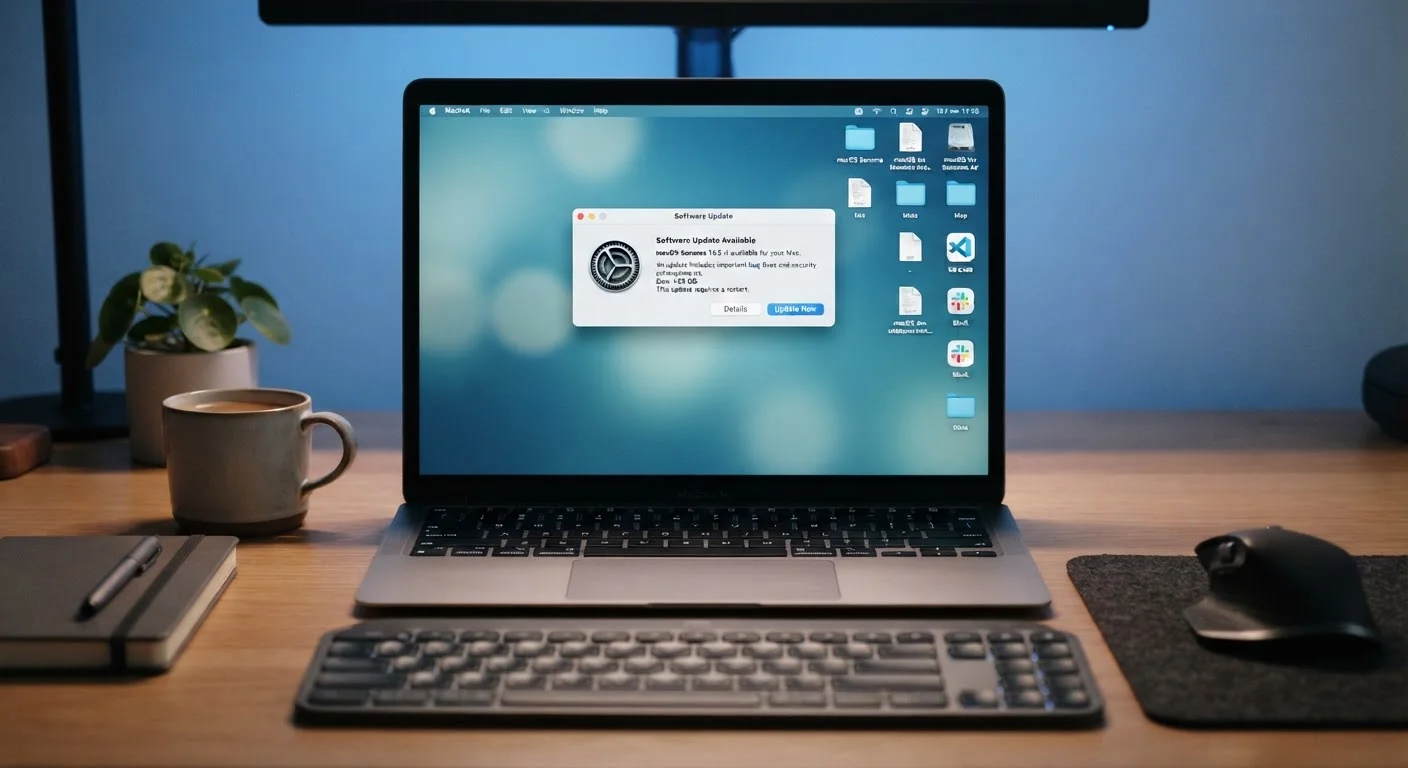
What Software Updates Actually Contain
Most people associate software updates with new features or a refreshed interface. But underneath those surface changes, the majority of updates — especially security patches — exist for a different reason entirely: fixing vulnerabilities that have already been discovered.
A vulnerability is a flaw in code that an attacker could exploit to gain unauthorized access to your device, data, or accounts. When developers find one, they write a fix and push it out as an update. The moment that update is released publicly, the vulnerability it addresses also becomes publicly known — meaning attackers immediately start scanning for devices that haven't applied the patch.
This is why timing matters. Delaying an update, even by a few days, creates a window of exposure. It's a pattern that connects directly to how many breaches actually occur — a topic explored in more depth in why people keep getting hacked despite good intentions.
Security Patches vs. Feature Updates
Not every update is equally urgent. Security patches — which fix known vulnerabilities — are typically the most time-sensitive. Feature updates add functionality and are lower risk to delay briefly. Many operating systems now label update types clearly, so you can prioritize security patches even if you prefer to wait on other changes.
The Real Risks of Skipping Updates
Outdated software isn't just a minor inconvenience — it's a compounding risk. Each skipped update can mean multiple unpatched vulnerabilities stacking up. And it isn't only the device you're using that's affected: a vulnerable smart home device, router, or app can serve as an entry point into your entire home network.
60%
Breaches linked to unpatched vulnerabilities
According to the Ponemon Institute's research on data breach causes, a significant share of breaches exploit known vulnerabilities for which patches were already available.
30 days
Average gap before patches are widely applied
Security researchers have observed that many organizations and individual users take weeks to apply available patches, leaving systems exposed during that window.
The consequences of exploitation range from stolen passwords and financial data to ransomware — malware that locks your files until you pay to regain access. Operating systems, browsers, and apps are all common targets. Older, unpatched versions of popular software are frequently listed in hacker toolkits precisely because so many users delay updates.
Much like skipping scheduled car servicing, ignoring software maintenance introduces costs — financial and otherwise — that tend to arrive all at once rather than gradually.
Best Practices for Staying Current
Staying on top of updates doesn't require technical expertise. The practices below cover the most impactful habits, from automation to device hygiene.
Enable automatic updates on every device you own.
Relying on manual updates creates gaps because people forget, delay, or simply don't notice update prompts. Automatic updates eliminate the decision entirely, ensuring patches are applied as soon as they're available. This is the single most effective habit for staying protected.
Keep your router's firmware current, not just your devices.
Routers are often overlooked but control traffic for every device on your network. An unpatched router can be compromised even if all your other devices are fully updated. Manufacturers release firmware updates to address security flaws just as they do for other software.
Don't ignore app updates — not just your operating system.
Browsers, email clients, and productivity apps all contain code that can be exploited. Vulnerabilities in third-party apps are a common attack vector, and many users focus only on operating system updates while leaving apps months out of date.
Retire software that is no longer receiving updates.
When a software product reaches its end-of-life date, the developer stops issuing security patches. Continuing to use it means future vulnerabilities will never be fixed, no matter how diligently you check for updates. This applies to operating systems as well as individual apps.
Check update settings after major device resets or migrations.
When you set up a new device, restore from backup, or perform a factory reset, automatic update settings can revert to defaults — which are sometimes turned off. A quick check ensures your preferences are still active.
Quick Wins You Can Do Right Now
If you've been putting off updates, the following actions can meaningfully reduce your exposure today — each one takes only a few minutes.
Keeping software current also extends how well your devices perform over time. Many performance improvements ship inside the same update packages as security patches. For more on getting the most from your existing hardware, see getting more from your devices without buying new ones.
The content on this site is for informational purposes only and is not a substitute for professional advice. Always consult a qualified professional for guidance specific to your situation.