

Why 'Save What's Left' Rarely Works
Most people approach saving as an afterthought: pay the bills, cover spending, and deposit whatever remains. The problem is that discretionary expenses consistently expand to fill available income. By the end of the month, 'whatever remains' is often close to zero.
Automating a savings transfer on payday restructures this sequence. Savings move first; daily spending is shaped around what's left. This is the principle behind 'pay yourself first,' a concept explored in depth in how automating savings works in practice.
The bill-paying framing reinforces this shift. When you treat a savings transfer as obligatory — not optional — you stop negotiating with yourself about whether to skip it this month.
What you will need
Online banking or mobile banking app
Used to set up and schedule recurring automatic transfers between your checking and savings accounts.
Dedicated savings account
The destination for your automated transfers, ideally separate from your everyday checking account to reduce temptation.
Simple budget worksheet or app
Helps you calculate a realistic transfer amount based on your income and fixed expenses before automating.
Setting Up Your Automated Transfer
The steps below walk you through calculating a transfer amount, designating the right account, and scheduling a recurring transfer that runs without your involvement each payday.
Calculate a realistic transfer amount
Before automating anything, identify how much you can reliably move to savings each payday without overdrawing your account. Pull up two months of bank statements and total your fixed expenses — rent, utilities, loan payments, subscriptions. Subtract those from your take-home pay. The remainder is your flexible spending pool.
A commonly cited starting framework is the 50/30/20 rule: roughly 50% of take-home toward needs, 30% toward wants, and 20% toward savings and debt repayment. Use this as a reference point, not a rigid prescription — even 5% automated is a stronger habit than 20% intended but never transferred.
Open or designate a separate savings account
If your savings sit in the same account as your spending money, they tend to get spent. Open a dedicated savings account — or, if you already have one, confirm it is not linked to your debit card as overdraft protection, which can silently drain it.
Keeping savings physically separate from your checking account adds a small but meaningful friction that reduces impulse withdrawals. For longer-horizon goals like a home down payment or retirement contributions, you may want accounts structured differently — the article short-term vs. long-term savings goals walks through how to think about that split.
Schedule your automatic transfer for payday
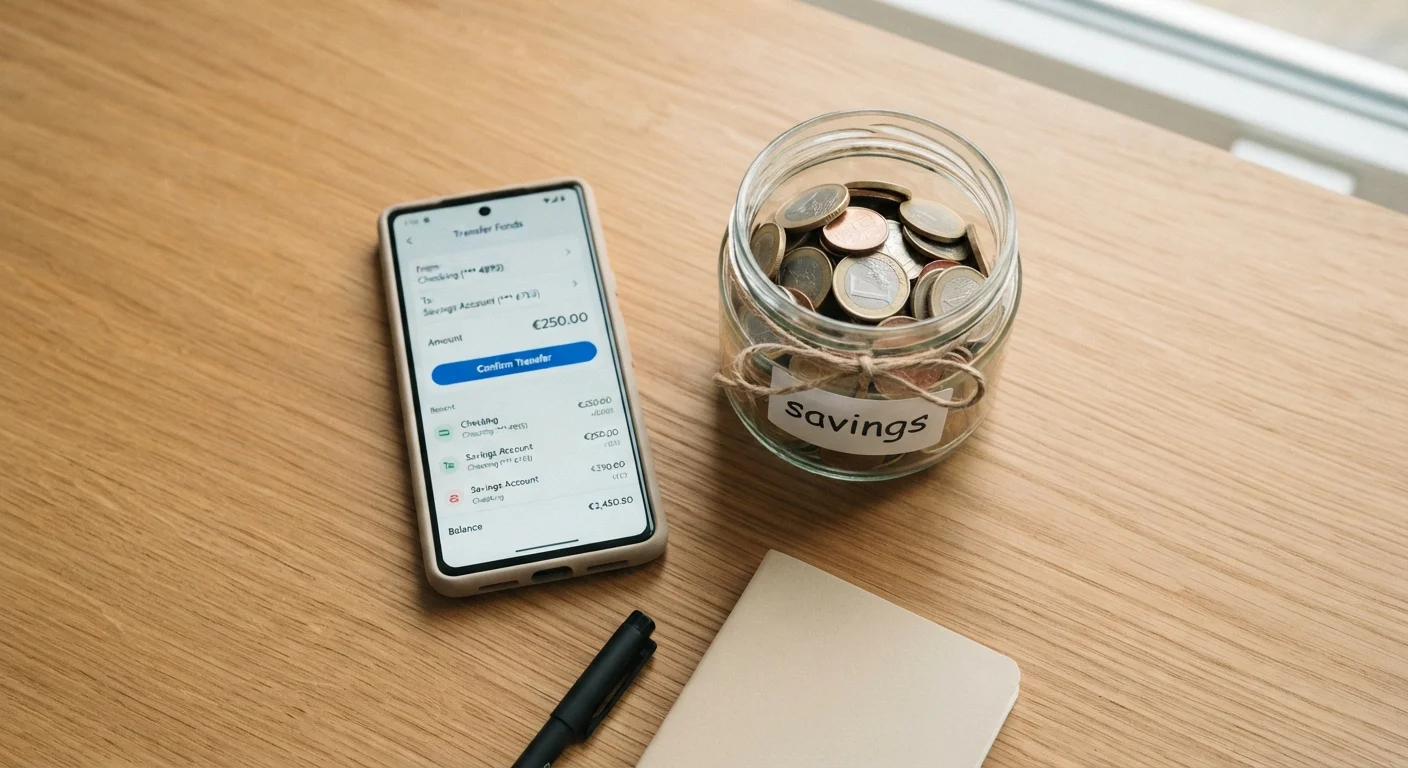
Log into your bank's online or mobile platform and navigate to the transfers section. Set up a recurring transfer from your checking account to your savings account. The key detail: set the transfer date to your payday, or the next business day after. This is the core of the 'pay yourself first' principle — savings leave before discretionary spending begins.
Choose your frequency to match your pay cycle — weekly, biweekly, or monthly. Enter the fixed dollar amount you calculated in Step 1. Confirm the transfer and save the schedule.
Treat the transfer as a non-negotiable expense
This is the mindset shift the strategy depends on. When you review your budget each month, list your savings transfer alongside rent and utilities — not alongside optional spending. If money is tight in a given month, look first at discretionary categories before reducing or pausing the savings transfer.
Framing it as a bill you owe yourself rather than a surplus you're setting aside changes the psychological default from 'save what's left' to 'spend what remains after saving.'
Review and adjust the amount every quarter
Set a calendar reminder every three months to revisit your automated amount. If you received a raise, consider increasing the transfer by at least a portion of the raise before lifestyle expenses absorb it. If your fixed costs rose — new insurance premium, higher rent — recalculate your flexible pool and adjust accordingly.
The goal is for the transfer amount to grow gradually over time, even in small increments. Consistent upward adjustments compound meaningfully over years.
Check Your Account's Minimum Balance Rules
Some checking accounts charge fees if your balance drops below a minimum threshold. Before scheduling automatic transfers, confirm that your checking account won't be pushed into fee territory immediately after payday. Timing your transfer for the same day income arrives — not the day before — reduces this risk.
Name Your Savings Account After Your Goal
Many banks let you add a nickname to savings accounts. Labelling an account 'Emergency Fund' or 'Summer Trip' makes the purpose tangible and makes you less likely to raid it for unrelated spending. This small psychological nudge is backed by behavioural finance research on mental accounting.
This article is for general informational and educational purposes only and does not constitute personalised financial, tax, or investment advice. Consult a qualified financial professional regarding decisions specific to your situation.
Common Pitfalls to Watch For
Automation handles consistency, but a few habits can undermine it:
- Raiding the savings account for non-emergency spending. If this happens repeatedly, consider moving the savings to an account at a different institution, adding a day or two of intentional friction before the money is accessible.
- Setting the amount too high initially. An overly ambitious transfer that repeatedly overdrafts your checking account erodes trust in the system. Start conservatively and increase gradually.
- Forgetting irregular expenses. Annual subscriptions, car registration, or seasonal bills can make certain months tighter. Build a small buffer in checking — or create a separate 'irregular expenses' savings bucket — to absorb these without disrupting the core transfer.
This Is General Financial Information
The guidance in this article is educational and does not constitute personalised financial advice. Your income, debt obligations, and financial goals are unique. Consider consulting a licensed financial adviser before making significant changes to your saving strategy.
If you're working on budgeting fundamentals alongside this habit, the Budgeting Basics hub offers practical strategies for tracking spending and building a budget that supports automated saving.
The content on this site is for informational purposes only and is not a substitute for professional advice. Always consult a qualified professional for guidance specific to your situation.